Making the iPad easier to use for everyone
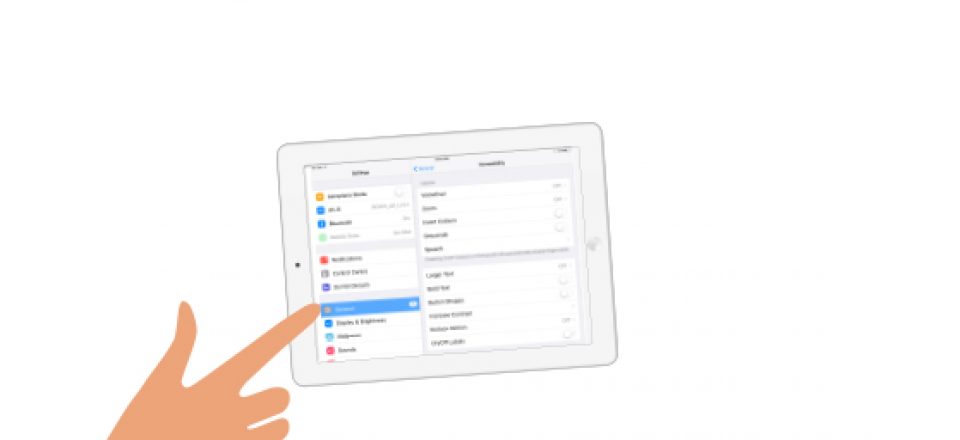
Getting the most out of Apple’s accessibility settings
What can an iPad or iPhone do for a person who has difficulties speaking, pointing, seeing, hearing or learning?
Earlier in the year, Gemma and I presented a workshop called Apple iPads and Accessibility: New Ways to do Old Things, which showed people how to set up and get the most out of their iPads and iPhones.
Our workshop walked people through Apple’s accessibility settings, showed people how the iPad and iPhone can be used for people who have complex communication needs and also showed them how to use the apps Tools2Talk Now, KWSA and Book Creator.
We developed a few handouts which covered what we consider to be the best accessibility settings, shortcuts and features for people who have vision, hearing, literacy, learning or physical access issues.
You might want to check out our handout specifically highlighting those features for people with vision impairment here, but please note, there are some great tips for others who may experience barriers relating to literacy and language also.


To find out more and see when our next training sessions are, check out our education and training calendar or contact Scope’s CIRC at circ@scopeaust.org.au or 03 9843 2000.
The Apple accessibility features handout is available for download in two PDF formats:
Apple accessibility features (PDF 2.7MB)
Apple accessibility features – text only (PDF – 0.3MB)